beauty filter
Real-time camera looks for calls and live streams
Gravix Beauty Filter adds skin smoothing, face shaping, makeup and colour looks to live video on Android and the web, with a Flutter plugin. It is free with every Gravix Cloud plan.
beauty filter
Real-time beauty filter, free on every plan
The filter works on the camera before video is sent, so the look appears in one-to-one calls, group calls and live streams alike. There is no separate filter fee and no per-minute charge for using it.
Runs on: AndroidWebFlutter plugin
- Skin
- Smoothing, brightening, redness reduction and white balance.
- Face shaping
- Slim the face and adjust the eyes, chin, jaw and nose.
- Makeup
- Teeth whitening, eye brightening, blush and lip tint.
- Colour grades
- Colour looks over the whole picture, from warm to cool.
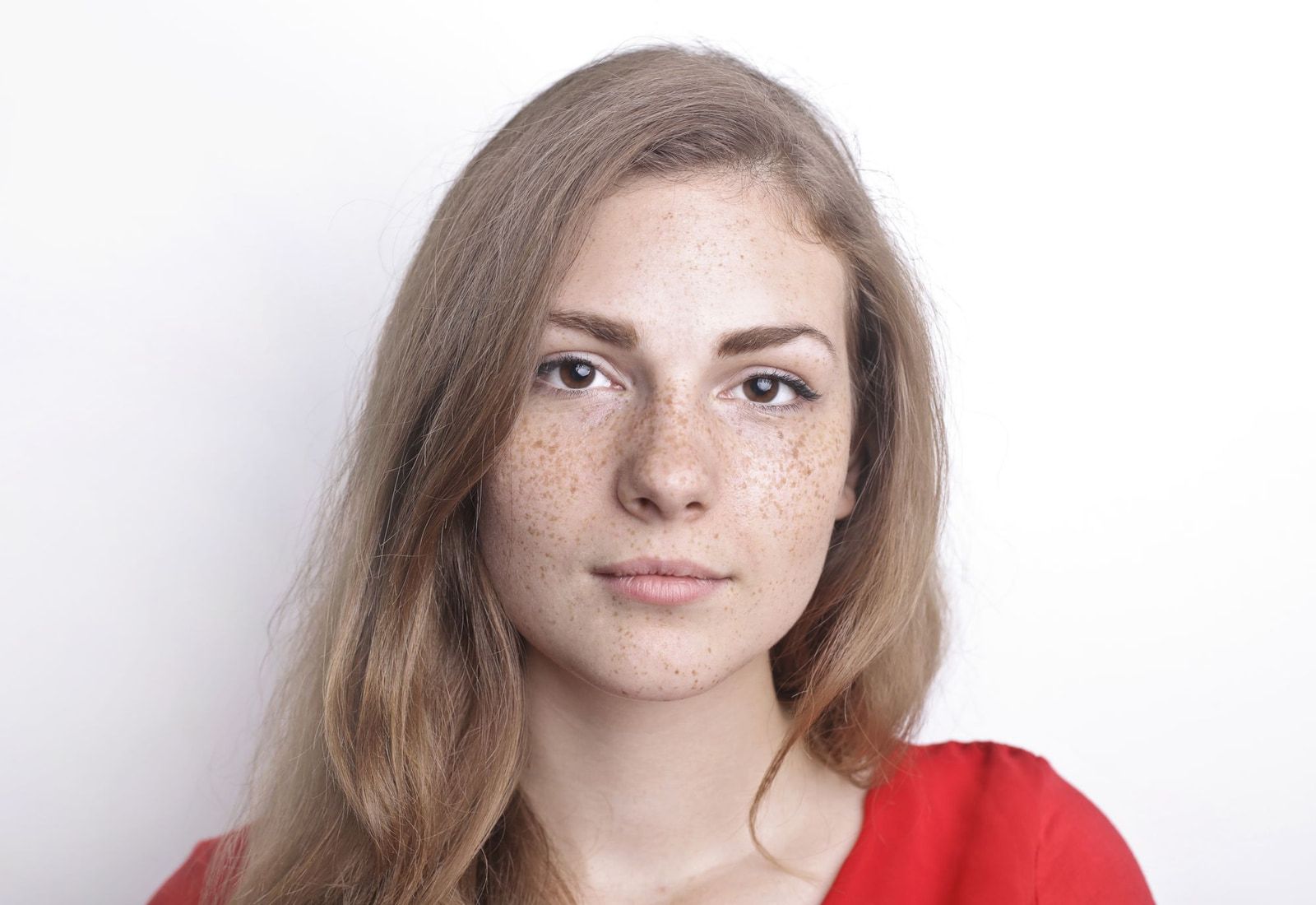
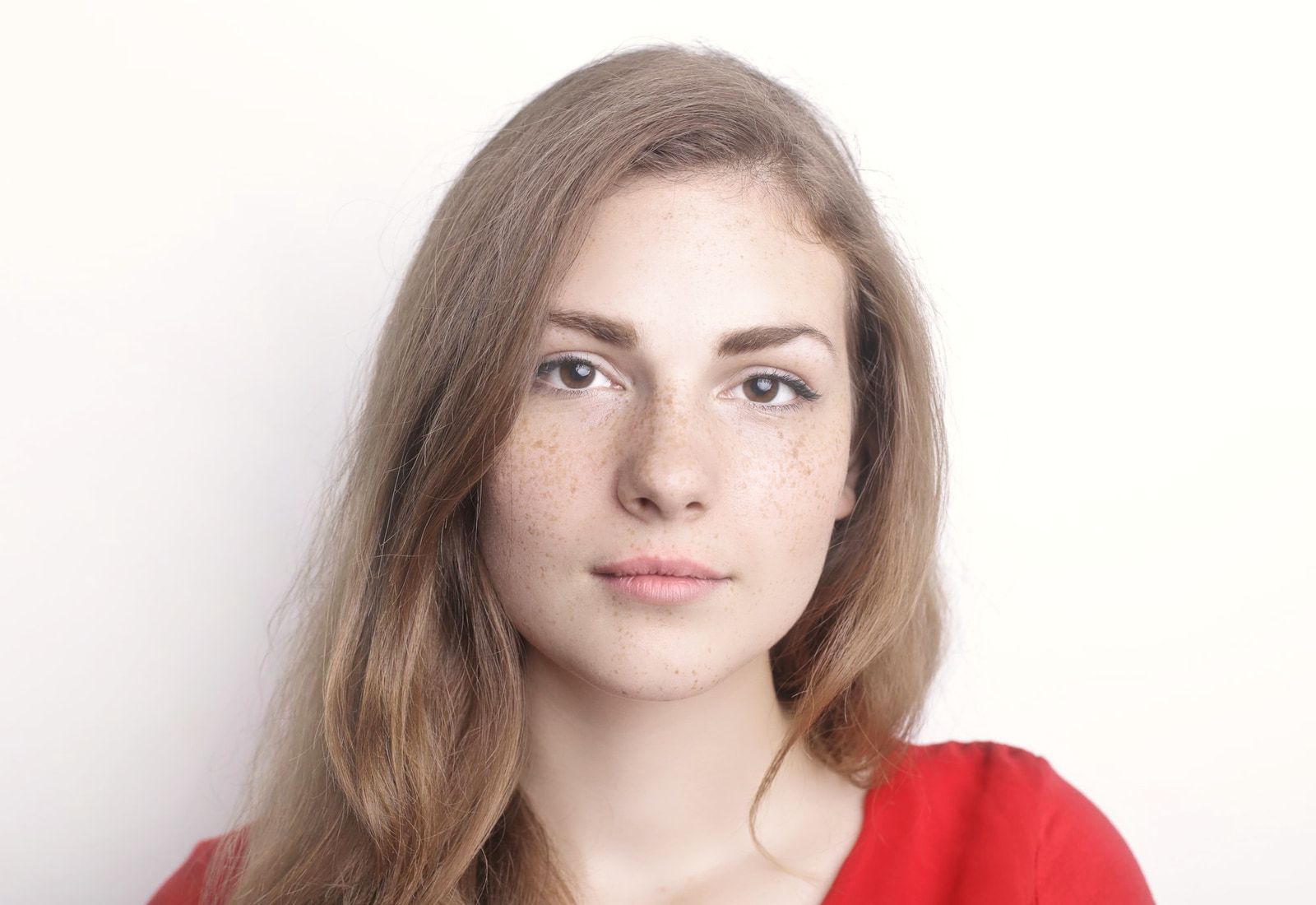
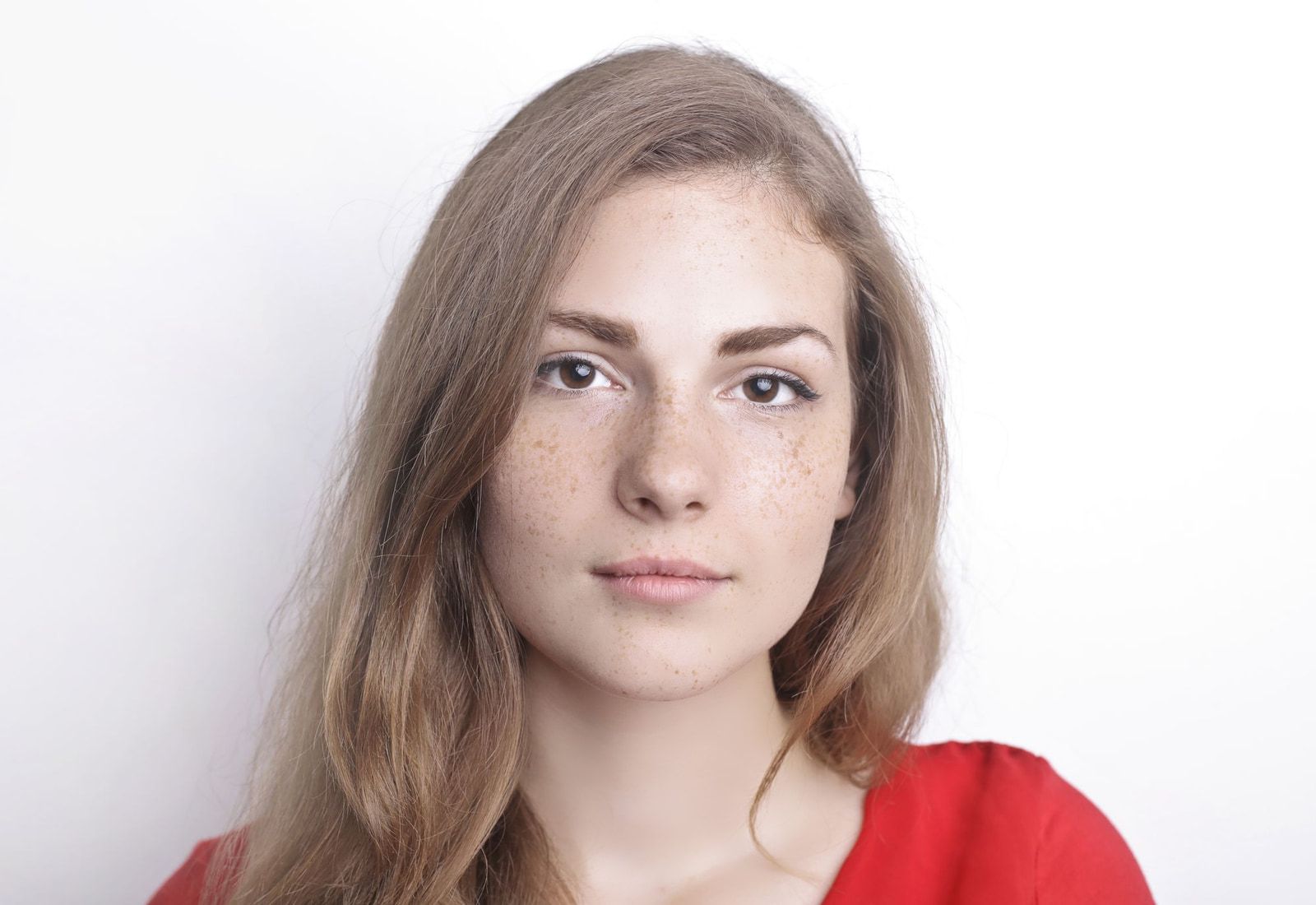
Illustration. Results vary by camera, light and face.
use cases
Where the beauty filter earns its place
The same look follows the camera everywhere it appears in your app. These are the products where teams turn it on first.
Social and dating video calls
A one-to-one video call is the moment that matters on a dating or social app. A light, natural look helps people say yes to turning the camera on, and still look like themselves.
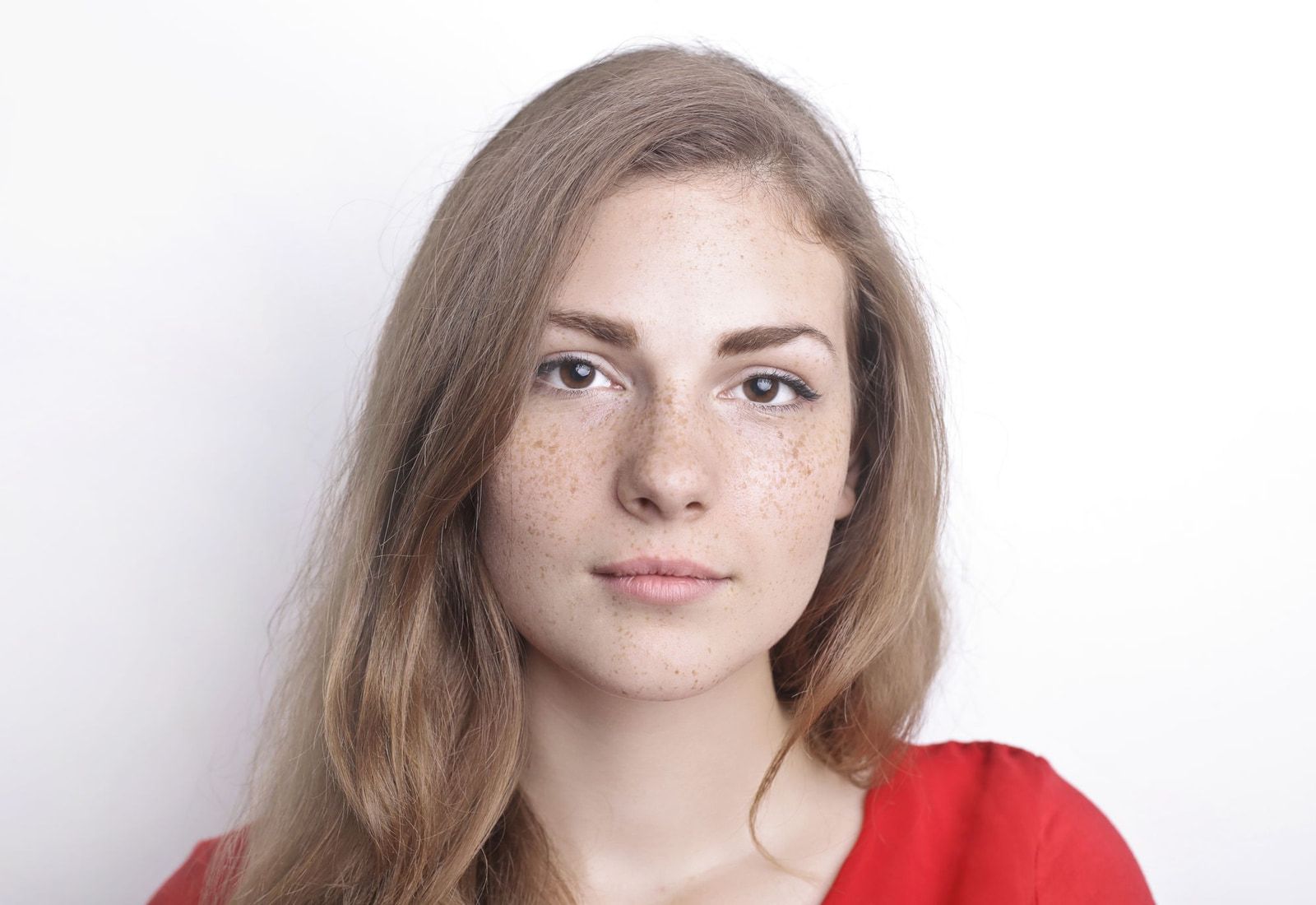 Video call04:12Ava
Live creators and hosts
Hosts go live every day, and their look is part of their brand. They pick a look once and keep it for the whole stream while chat, gifts and reactions roll in.
LIVEAva is live- Kofi this look is perfect tonight
- Mei hi from the night shift
- Rafi sent a rose
Group calls and video rooms
In group calls and on video stages, everyone on camera can use a look, so the switch from audio to video feels easy instead of awkward.
Group call4 on camera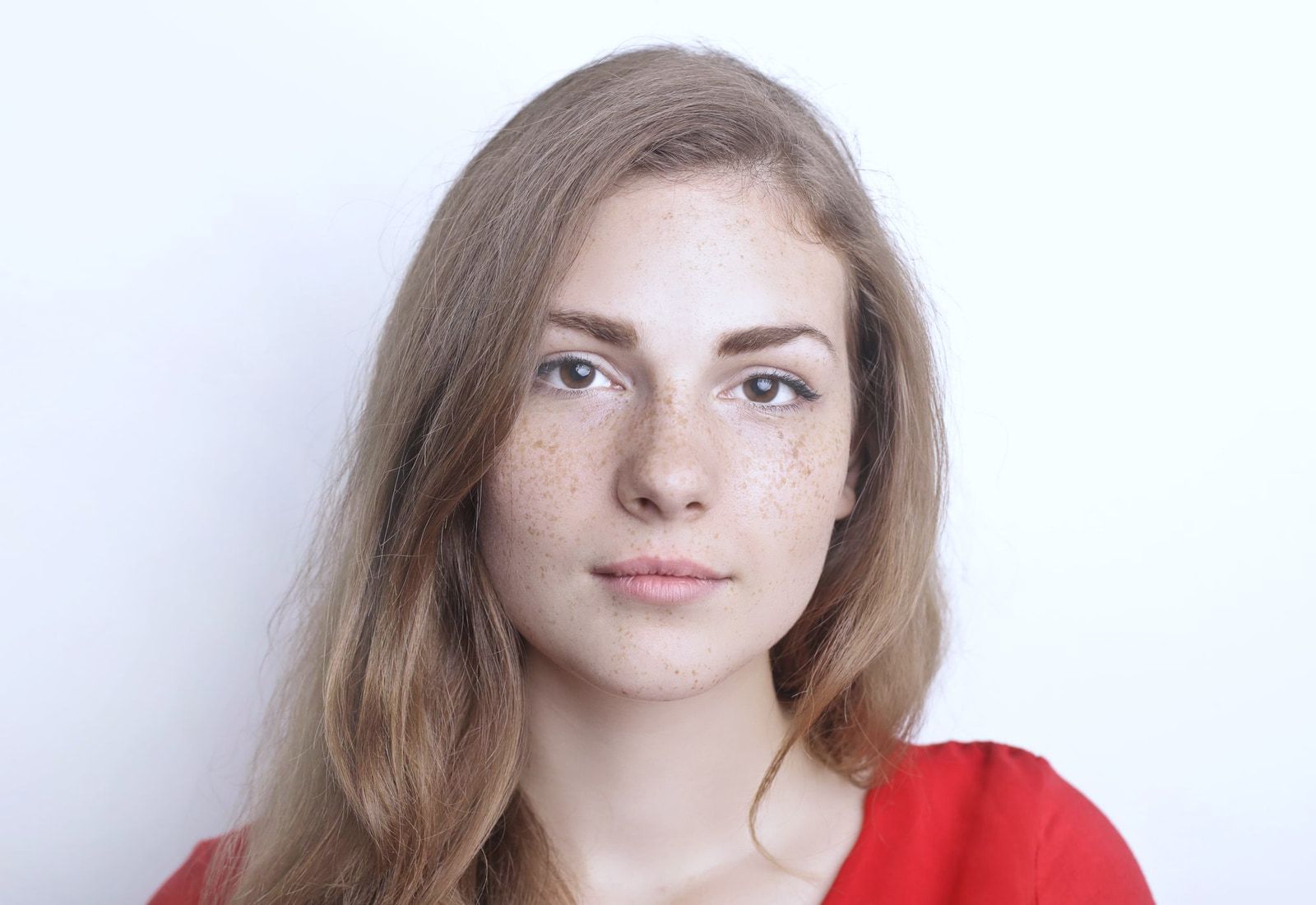
 Mei
Mei Kofi
Kofi Lena
LenaOnline classes and coaching
Tutors and coaches spend hours on camera. A soft preset keeps them looking fresh through back-to-back sessions, with no extra app to install.
Today's lesson
Speaking practice
Raise hand

 3 learners
Illustration. Names are made up; results vary by camera, light and face.
gravix studio
Design your own looks in Gravix Studio
Gravix Studio is a look editor that runs in the browser. Designers and product teams build looks without code, and developers ship the beauty filter once.
Tone
Skin smoothing, brightening and white balance.
Face shaping
Gentle changes to face shape, eyes, chin, jaw and nose.
Colour grade
A colour look over the whole picture.
Makeup
Blush, lip tint, teeth and eyes.
Stickers
Graphics placed on the picture.
Captions
Text on the picture, styled to match the look.
From idea to your app
Design in the browser
Build a look from layers and sliders. No code and nothing to install.
Preview it live
Check the look on your camera, a video or a photo, inside a phone or desktop frame.
Export one look file
Studio exports the whole look as a single file, and the beauty filter renders it in your app.
why it is different
One provider instead of two
The usual route is a calling SDK from one company and a beauty SDK from another. The Gravix Beauty Filter comes with your Gravix Cloud plan instead.
- Free means free
- The filter is part of your Gravix Cloud subscription. There is no separate filter fee and no per-minute charge for using it.
- One bill, one contract
- No second licence to negotiate, budget and renew, and no second vendor in every release.
- Made for calls and streams
- It works with Gravix Cloud calls and live streams from day one, rather than being bolted on afterwards.
- Looks made by designers
- With Gravix Studio, the people who care how a look feels can make it, while engineers stay on the product.
- One team to call
- If a look or a call is not behaving, you call one team. A person picks up.
Part of Gravix Cloud
Voice and video calls, live streaming and AI agents for your app, with SDKs for Flutter, Web, Android and iOS. The beauty filter is included in every plan.
Beauty filter questions
Is the beauty filter really free?
Which platforms does it run on?
Does it work in calls and live streams?
Can we make our own looks?
How do we get access to Gravix Studio?
Do we need Gravix Cloud to use it?
Add the beauty filter to your app
Tell us your platforms and the looks you want. We will set you up with Gravix Cloud and the filter, and reply with a plan.